Negative Reviews Aren’t Hurting Your Footfall, But Not Responding to Them Probably Is
AI models now read your review responses to decide whether to recommend your business. Here's how to respond to negative reviews in the AI search era — with templates, first-party data, and a framework for managing responses at scale.

Key takeaways
- Respond to every negative review with specifics — AI models use your response text to understand more about your business and whether to recommend you
- Businesses with active response programs saw 37.5% more Google Business Profile impressions than those without
- Prioritize responding to negative reviews before positive ones, since unanswered complaints shape how AI models perceive your locations
"AI systems don't retrieve a star rating. They synthesize the patterns from what they see in the listing, from what they see in the feedback that's coming in, the words that are written in a review. Those matter tremendously. Resolution matters as much as sentiment. An unresolved negative review is riskier in AI systems than a negative review with a thoughtful, specific response — because AI uses responses to assess how a business handles friction."

Our clients with active review response programs saw 37.5% more Google Business Profile impressions, 42% more views, and 15.3% more clicks than those without.
We know that review management is critical, but we still see multi-location teams that aren't scaling their strategy effectively — with no tool or strategy behind it.
A VP of Marketing at a healthcare brand told our team that there's "just no time" for a dedicated reputation manager; their unanswered negative reviews piled up until someone found a quieter afternoon.
In another conversation, we found out that, at a multi-location retailer, the person who approved negative review responses left the company, and more than 250 reviews were fully ghosted in one month because the team didn't replace them.
Yikes. In those cases, review "management" is a generous overstatement.
Brands want more reviews across their locations — our AI visibility research shows review volume is a stronger predictor of AI mentions than star ratings. But at the same time, more reviews often means more negative ones, and unanswered negative reviews shape what AI models understand about a business before deciding whether to recommend it.
Responding to these reviews is where you take back control over how your brand is perceived by search systems in the AI era. Are the people running your locations proactive, responsive, generous, polite, fair?
How do you respond to negative reviews in a way that works for your local customers, the AI model, and your team's bandwidth?
Respond to Negative Reviews for Customers and for Visibility
You're first and foremost responding to negative reviews on your Google Business Profile, Yelp, website — whichever customer review site — to apologize, clarify, find out how to improve your location's service. That's something that's easy to forget today when most teams are focusing on the to-do list in front of them.
But in a two-birds-one-stone perk, responding to negative reviews is exactly what every multi-location brand needs to be doing to perform better in local search. Whether in Google's search, ChatGPT's search, AI Overviews.
Uberall customers who responded consistently, used AI-assisted drafts with brand guidelines, and tracked sentiment across locations saw more Google Business Profile impressions, more views, and more clicks compared to those without — especially for retail and hospitality brands.
There are two layers to why responding to negative reviews is so important:
- A location that responds to reviews consistently signals to search systems that it's active and engaged — making it a safer option to rank or recommend.
- Detailed responses give search systems context that star ratings alone can't — what went wrong, what you did about it, and whether you resolved it.
While star ratings are important for understanding general sentiment, our study shows AI models don't process star ratings the way Google's local algorithm does. They read the full text of your reviews and your responses, looking for patterns, such as recurring themes, specific service claims, how complaints get handled, and how fast you respond.
{{quote}}
Has Anything Changed in How to Respond to a Negative Review?
What does that mean for how you respond to a negative review in today's search? Three things change:
- Be specific, not just apologetic: A response that says "We're sorry you had a bad experience" doesn't tell any AI model much. A response that says "We've updated our Saturday hours to reflect the new schedule and retrained the team on check-in procedures" gives the model concrete information it can use to understand resolution better.
- Be consistent, not sporadic: A steady stream of 8–10 responses per month signals an active, operating business. A flood of 50 followed by silence reads as a one-time cleanup (or that quiet afternoon), not a dedicated strategy.
- Be quick to reply, but reply meaningfully: Many consumers now expect a same-day response to their review. Google recommends replying within 72 hours. Fast, specific responses build more trust than fast, generic ones.
Google provides more tips in its own documentation.
You might think, when reading the adjectives "quick" and "consistent" that AI could have a part to play here in responding to negative reviews. And you'd be right — as long as there are guardrails to ensure you're also covering the adjectives "meaningfully" and "specific." Because both humans and AI models will notice identical, generic replies across 200 reviews over 250 locations.
We've seen this ourselves when a marketer told us their AI-generated responses followed the same structure every time — "Thank you + name + repetition of review + hope for a return visit" — and turned neutral feedback into explicit praise the reviewer never gave. Another location manager included placeholder text in their scaled responses like "INSERT NAME" before realizing what they'd done.
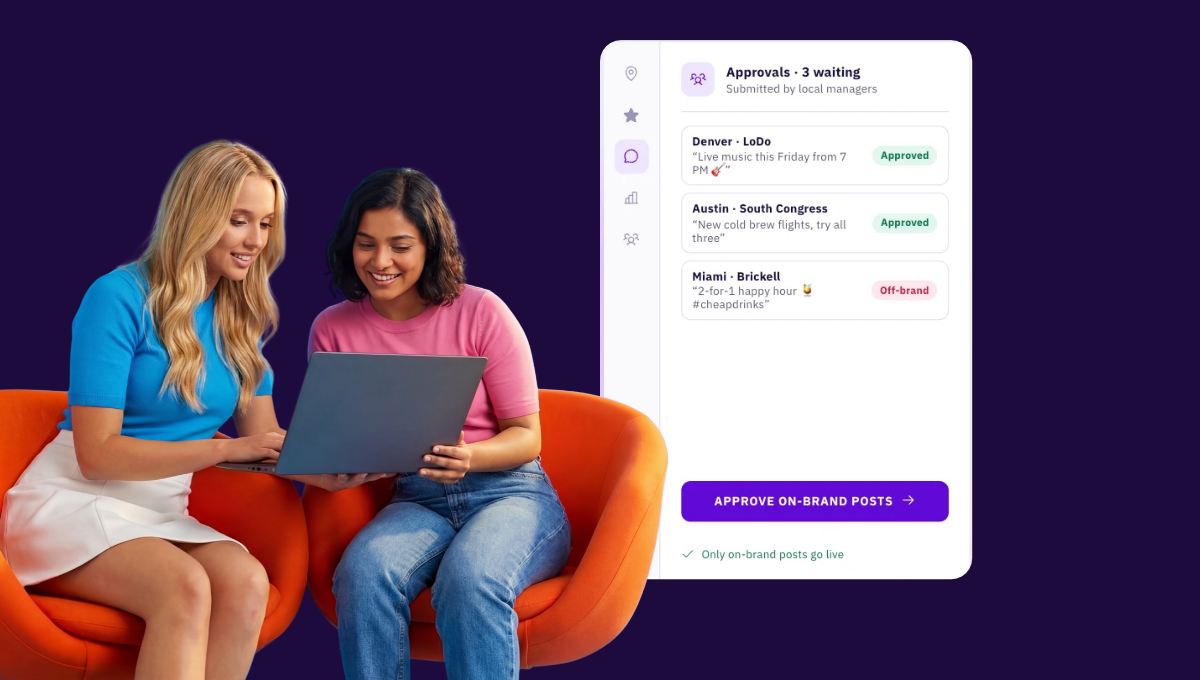
What multi-location teams need is a system that drafts these kinds of responses in your brand voice, follows your guidelines per location, and waits for a human to approve before anything goes live.
3 Steps to Respond to a Negative Review — for Today's Search
Not much has changed when it comes to responding to negative reviews: Teams should understand the issue, evaluate the intent, and respond with specifics.
What’s changed is that the audience for your response has expanded to AI models.
Step 1: Read to Understand and Think About What AI Will Extract
Read the review carefully and locate the key details. What went wrong, what the customer expected, and what they're asking for. The specific words in the review are also now the words AI models will associate with your location.
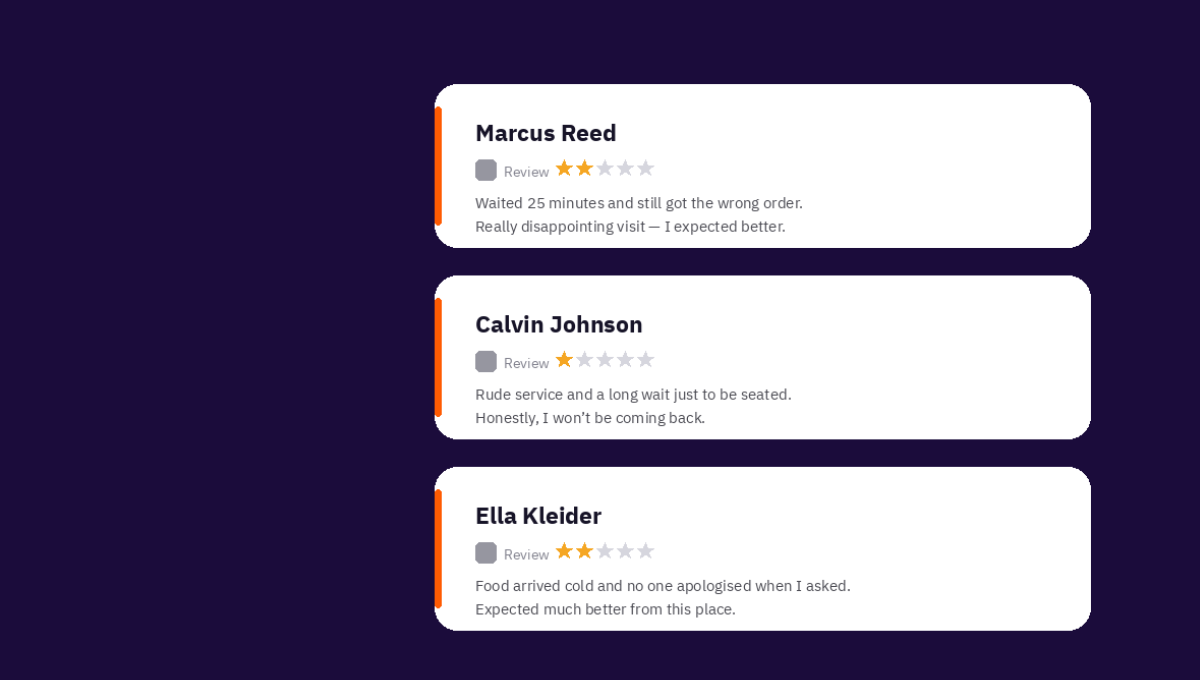
A review that says "waited 40 minutes, nobody acknowledged us" teaches AI that your location has a wait-time problem. You won't be an attractive business to visit for quick, spontaneous drop-ins or urgent visits.
Your response is where you resolve that association and take back the narrative, but only if your response is specific, like: "We've hired more staff on Saturday evenings to bring wait times under 10 minutes."
Step 2: Evaluate the Intent and Know When to Report Instead of Respond
Before you write a response, decide whether the review is legitimate and constructive. If it is, move to Step 3.
If the review contains offensive language, spam, threats, reviews for the wrong business, retaliation from former employees, or competitor sabotage, use the platform's reporting system instead of engaging directly.
Google, Yelp, Tripadvisor, and Facebook all have policies against these types of content, and reporting a fake Google review is worth the effort — fake reviews distort your AI signal and local ranking just as much as they distort your star rating.
Step 3: Use a Template to Start; Respond with Specifics
Valid, constructive reviews deserve tailored responses — ideally also in the same language. Acknowledge the issue, apologize if warranted, explain what you're doing about it, and offer a way to continue the conversation privately.
Even if this reviewer doesn't come back, the next potential customer — and the next AI model — will see that you were proactive and understanding.
Here are some ideas of how that may look.
The issue is clear, valid, fixable: Acknowledge it, apologize, and name the specific fix.
"{Name}, I'm sorry our Saturday hours were wrong on Google when you visited. We've corrected them and set up alerts so we catch any future changes within 24 hours. If you'd like to give us another shot, email us at [address] and we'll make sure your next visit goes the way it should."
The issue is clear and valid, but you can't fix it straight away: Acknowledge the situation, explain why an immediate resolution isn't possible, and describe what you're changing going forward.
"Thank you for telling us about the wait time at our {location} store. We can't undo your experience, but we've started staffing a second cashier during peak weekend hours to cut the line down. If you're willing to try us again, reach out at [address] — I'd like to hear how it goes."
The issue isn't well-explained enough to act on: Move the conversation to a private channel. You're publicly demonstrating a commitment to resolution while keeping sensitive details out of your review profile.
"{Name}, I want to get this right, but I need a bit more context. Could you email us at [address] with your order number? I'll follow up personally."
How Not to Respond to Negative Reviews
I've seen a couple of audacious examples of exactly how NOT to respond to reviews; trust me, they will not fly for both human readers and AI models:
- The defensive negative review reply: "We've never had this complaint before" or "That's not how our staff operates" shuts down the conversation. The reviewer feels dismissed, and the AI model reads a business that disputes feedback rather than addresses it. I've seen many instances of this.
- The copy-paste template: When five consecutive reviews all get "Thank you for your feedback, we take all concerns seriously" as a response, it's not only obviously ingenuine, but it's incredibly unhelpful for customers and AI models: Has the issue been resolved or not?
- The delayed non-response: A negative review that goes unanswered for two weeks, then gets a generic one-liner, combines the worst of both problems. The delay tells the AI model you're not monitoring reviews actively, and the generic negative review reply confirms it.
Responding to Negative Reviews at Scale and On Brand
The three-step process is pretty nifty when you have five-or-so locations.
But when you have someone like that individual in your team, searching ahead for a quiet afternoon over the next month, there's going to be a growing backlog of new reviews every week — across Google, Facebook, Yelp, Apple Maps, and industry-specific sites.
When the goal is greater visibility and customer sentiment, the question becomes how to keep on-brand review responses flowing at a volume where manually drafting each one isn't necessary.
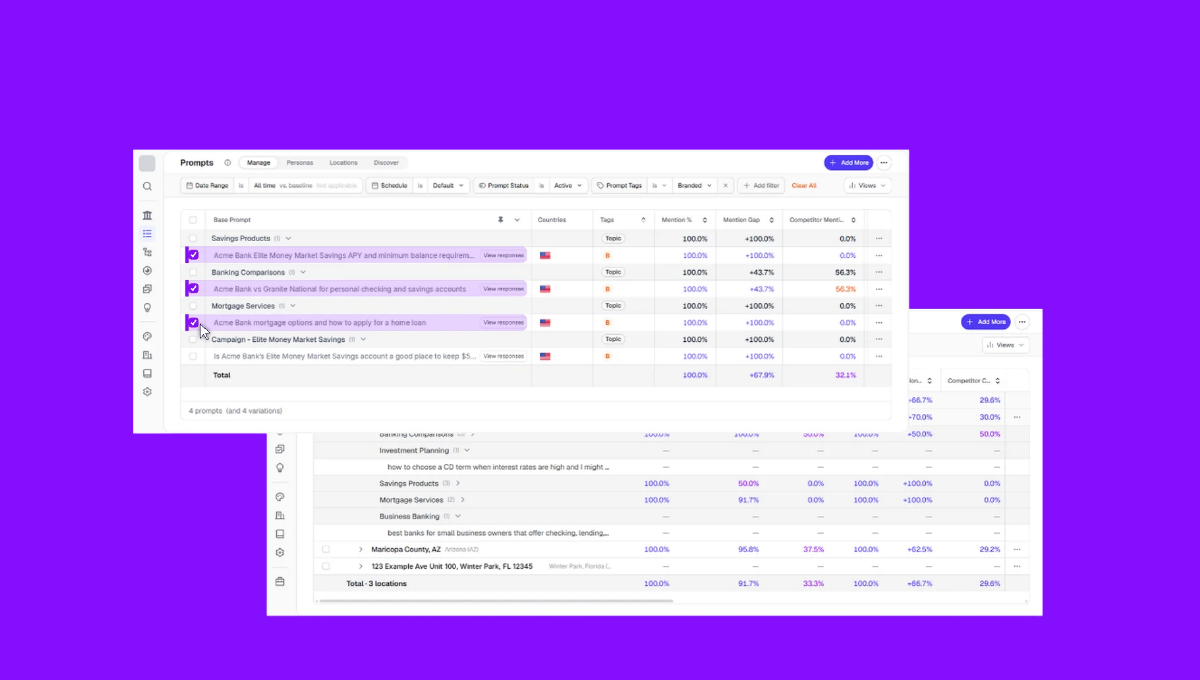
Our review management platform handles this in four layers:
- Our specialized in-platform AI tool drafts context-aware responses matched to each review's sentiment and content — in the language the review was written in, with support for 80+ languages so global and multilingual brands can respond at scale without translating manually.
- Per-location brand guidelines functioning as AI guardrails ensure every location sounds the way it should (a bridal retailer set a rule to never say "We hope to see you again" … because a customer who just bought a wedding dress shouldn't need to come back – for obvious reasons).
- Sentiment analysis gives you recurring themes across your reviews, so when multiple locations get complaints about the same issue, that pattern reaches your operations team, not just the person writing responses. It's how you move from reacting to individual negative reviews to fixing the operational problems behind them.
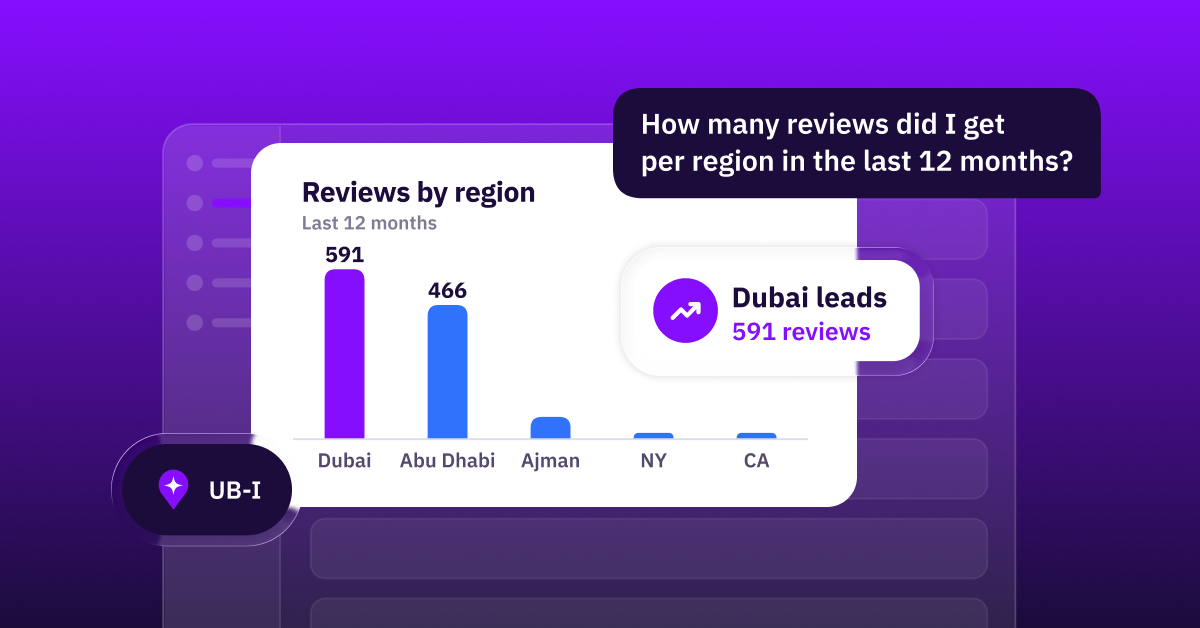
- UB-I, Uberall's AI agent, monitors review activity across every location, flags negative reviews that need attention, and learns from how your team has responded before so its drafts get better over time. A human approves every response before it goes live.
Your Review Responses Are Data — Make Them Good Data
How you handle negative reviews — the speed, the specificity, the consistency across your locations — now influence whether Google, ChatGPT, and Gemini mention your business the next time a customer asks.
Waiting time too long? Entrance difficult to find? Slow WiFi? Its feedback for you as much as it is for search systems and future customers. If you're unable to resolve them, a competitor becomes a more attractive candidate.
And if you're managing more locations than one person can cover, now is the right time to put the right tools in place so every location gets a specific, on-brand response — before the review speaks for you.


1,800 brands trust us to stay visible
— not just show up once or twice in local search.